
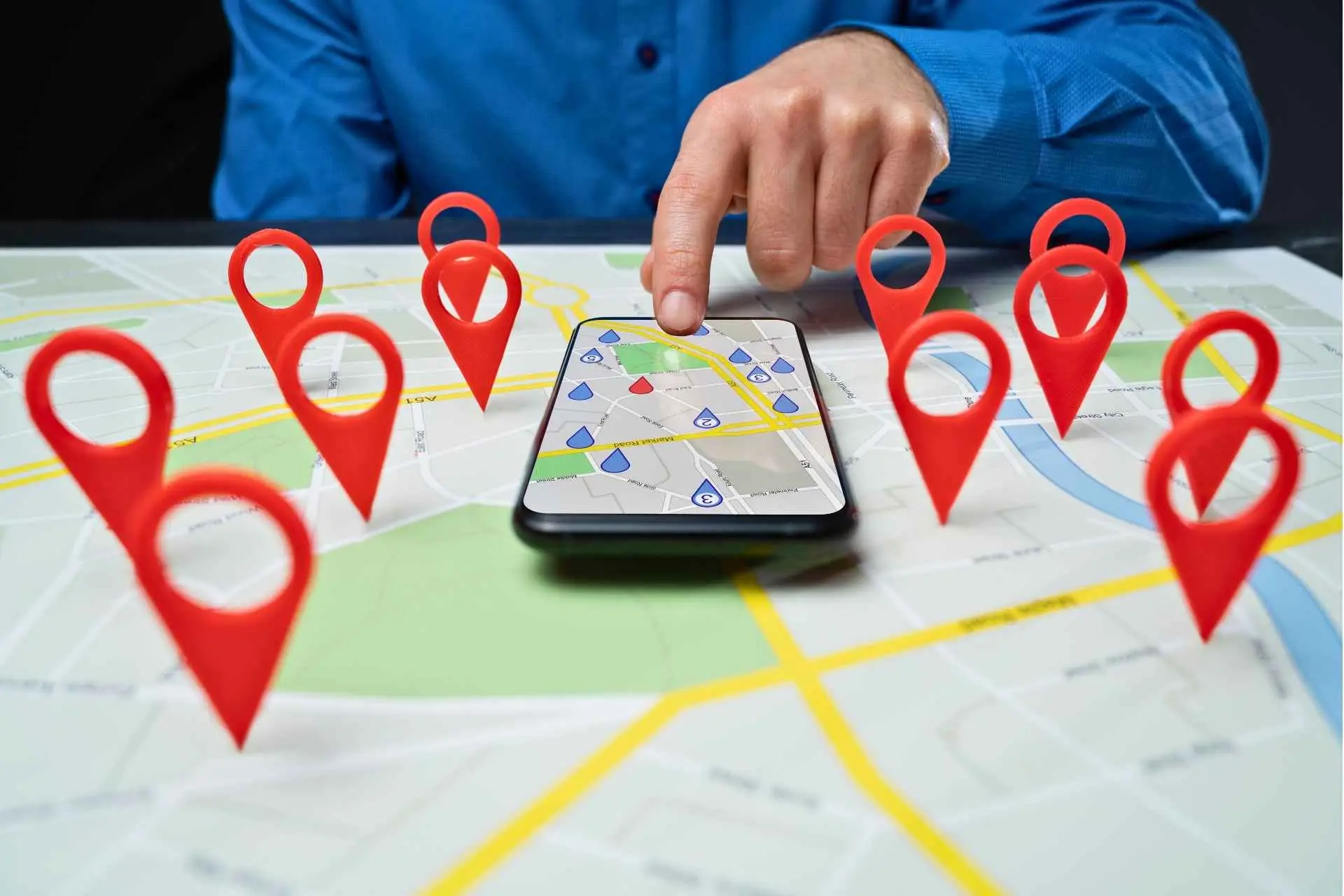
To get a business to show up on Google Maps, the Google Business Profile must be fully verified, accurately completed, regularly updated with posts and photos, supported by customer reviews, and strengthened through consistent local SEO on the website.
Optimising and verifying your Google Business Profile is the fastest way to get your business to show up on Google Maps.
Key steps include:
- Claiming and verifying your Google Business Profile
- Completing all information
- Adding photos and services
- Publishing updates
- Requesting and responding to customer reviews
- Supporting your profile with local SEO
How to Make Your Business Show Up on Google Maps
If your business isn’t showing up on Google Maps, you’re not alone. Many Australian businesses deliver great services but remain invisible online. The good news is that showing up on Google Maps is completely achievable when the right steps are taken.
This guide walks through the same process used at SmallBiz Optimize to help businesses gain visibility, build trust, and attract more local customers.
1. Create or Claim Your Google Business Profile
Everything starts with your Google Business Profile (GBP). If it’s not set up or has never been claimed, Google won’t display it in Maps results.
Visit business.google.com, sign in, and either claim the business or add it if it doesn’t appear.
Google Maps visibility depends heavily on a correctly set up profile, which aligns directly with the ongoing improvements covered in local SEO services.
2. Verify Your Business (Required for Maps Visibility)
Even if the business profile exists, it won’t appear on Google Maps until verification is completed. Google may request verification through a postcard, phone, email, or video walk-through.
If the profile is verified but still not visible, the underlying issue often relates to optimisation or trust signals. These challenges are addressed through the processes outlined in get found on Google.
3. Complete All Business Information
Google prioritises profiles with accurate, complete, and up-to-date information. Ensure all fields are filled in, including:
- Business name
- Address or service area
- Phone number
- Website
- Business hours
- Categories
- Services
- Business description
The website listed in the profile must match the business’s active domain, such as SmallBiz Optimize, as consistency helps Google confirm legitimacy.
Businesses aiming for broader search visibility beyond the Maps listing often benefit from the strategies used within SEO services to strengthen organic rankings as well.
4. Add High-Quality Photos and Branding
Google Maps users rely heavily on visuals when choosing a business. High-quality imagery improves engagement and ranking signals.
Upload:
- A clean, recognisable logo
- A professional cover photo
- Team photos
- Interior/exterior images
- Before-and-after project photos
Consistency in branding builds trust and helps Google recognise the business across the web.
5. Use Local Keywords Where They Matter
Google aims to connect users with the most relevant local businesses. Adding natural local keywords into your business description, website content, and service listings helps Google understand what your business does and where it operates.
Businesses needing clarity around competitor keywords and ranking opportunities can gain valuable insights through competitor & industry analysis.
6. Ask for Reviews (and Respond to All of Them)
Customer reviews strongly influence Google Maps rankings. Google favours businesses with:
- Frequent reviews
- Recent reviews
- Keyword-rich reviews
- Owner responses
Encouraging customers to leave reviews — and responding to them — boosts both trust and visibility.
7. Publish Google Business Profile Posts Regularly
Google prefers active businesses. Posting updates, offers, images, or service announcements helps show Google that the business is operational and engaged.
When posting consistently becomes challenging, ongoing optimisation like that delivered through ongoing SEO campaigns ensures steady activity and improved performance.
8. Provide Manager Access to Your Google Business Profile
Business owners often collaborate with marketing professionals or agencies to optimise their profile. The safest way to grant access is to assign a “Manager” role within Google Business Profile.
This video explains the process clearly on how to provide Google Business Profile access to a manager.
Granting manager access ensures the profile stays updated while ownership remains secure.
9. Optimise Your Website to Convert Google Maps Traffic
Appearing on Google Maps is important — but converting visitors into customers is even more critical. When users click through to the website from your profile, they should immediately see a trustworthy, professional presentation that answers their questions.
A high-converting website should be:
- Fast
- Mobile-friendly
- Clear and structured
- Trust-building
- Action-oriented
Businesses needing stronger website performance often benefit from the clarity and structure offered through website design or website development services.
10. Monitor Insights and Improve Over Time
Google Business Profile provides valuable data on customer actions, including:
- Calls
- Website visits
- Direction requests
- Search terms
- Views on Maps vs. Search
This information helps guide ongoing improvements in visibility and customer engagement.
Ready to Get Your Business Showing on Google Maps?
If your goal is to appear consistently in Google Maps results and attract more local customers, the next step is taking action on your Google Business Profile and local SEO.
SmallBiz Optimize helps Australian service businesses improve their visibility, trust, and lead generation using proven local search strategies.
Start improving your Google Maps performance today:
Contact us and explore how we help businesses get found locally through Local SEO.
Frequently Asked Questions
1. Why doesn’t my business show up on Google Maps?
Common causes include incomplete profiles, missing verification, incorrect service areas, insufficient reviews, or strong local competition.
2. How long does it take to appear on Google Maps?
After verification, it may take anywhere from a few hours to several weeks, depending on optimisation and competition.
3. Can a service-area business rank without showing an address?
Yes. Google supports service-area businesses even when the address is hidden, as long as settings are configured correctly.
4. Do reviews affect Google Maps ranking?
Absolutely. Reviews are one of the strongest ranking factors and also increase customer trust.
5. Do you need a website to appear on Google Maps?
No — but having a strong website significantly boosts ranking strength and conversions.